Technical support for the 2Dscanner is now available 24 hours a day, 7 days a week. If you are on site and need help combining scans, exporting a DXF, connecting the 2Dscanner to your phone or solving a scanning issue, you no longer need to wait for office hours. Our new AI support assistant gives you instant answers based on the 2Dscanner help center, manuals, guides, FAQs and real technical support questions — in your own language.
You will find it in the chat bubble at the bottom right of 2dscanner.com and of our help center help.2dscanner.com.
Why we built a support bot for room laser scanning
Our customers are architects, civil engineers, surveyors, interior designers, carpenters and kitchen installers across Europe. They use the 2Dscanner for interior scanning, measured surveys and as-built floor plans, often early in the morning, late in the evening or at the weekend, when an office is closed. A question like “how do I combine two scans?” should not stop a job on site until the next working day.
The bot is not a generic chatbot. We trained it on our own knowledge: the help center, the user manual, the Quick Start Guide, the FAQ and the real questions our customers have asked us over the years about 2D laser scanning of rooms. When it answers, it also points you to the exact help page so you can read more.
What you can ask the 2Dscanner support bot
For example, you can ask:
- How can I measure an apartment, create a floor plan and combine all the rooms into one scan?
- How do I make a floor plan of a room without a tape measure?
- How accurate is a room laser scanner compared to a tape measure or a laser distance meter?
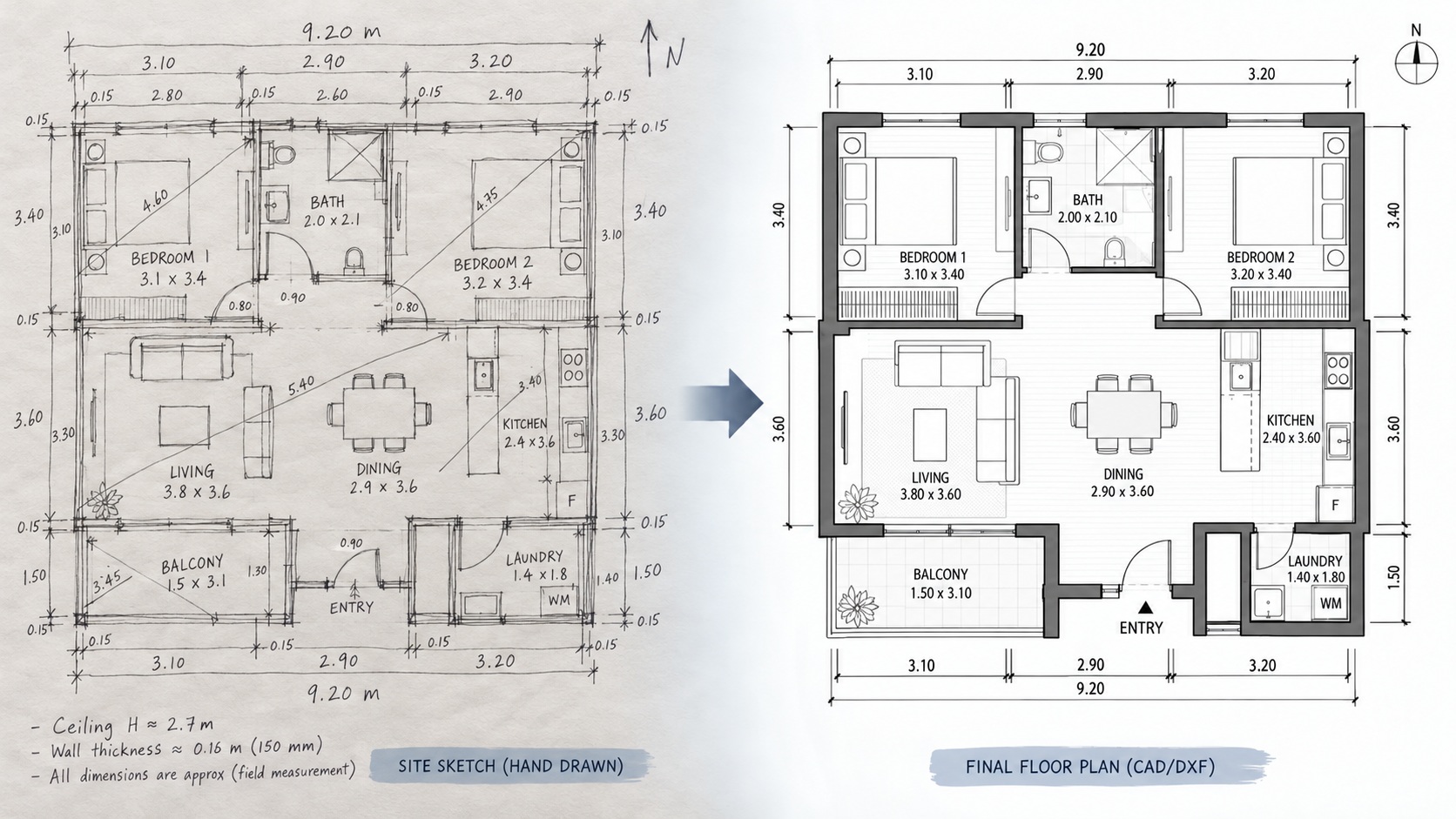
- How do I create an as-built floor plan of an existing house or office?
- How do I export a floor plan to DXF for AutoCAD, ArchiCAD, Revit or other CAD software?
You can also ask deeper technical questions about the device itself:
- The battery of my 2Dscanner is not charging. What should I do?
- How do I do a firmware upgrade on the 2Dscanner?
- How do I level the 2Dscanner with the S3 leveling base?
- How is the S3 leveling base mounted on the tripod?
- The 2Dscanner is scanning but no points appear. What is wrong?
- How does Smart Scan work?
- How do I automatically remove points outside my room, for example in the yard, during scanning?
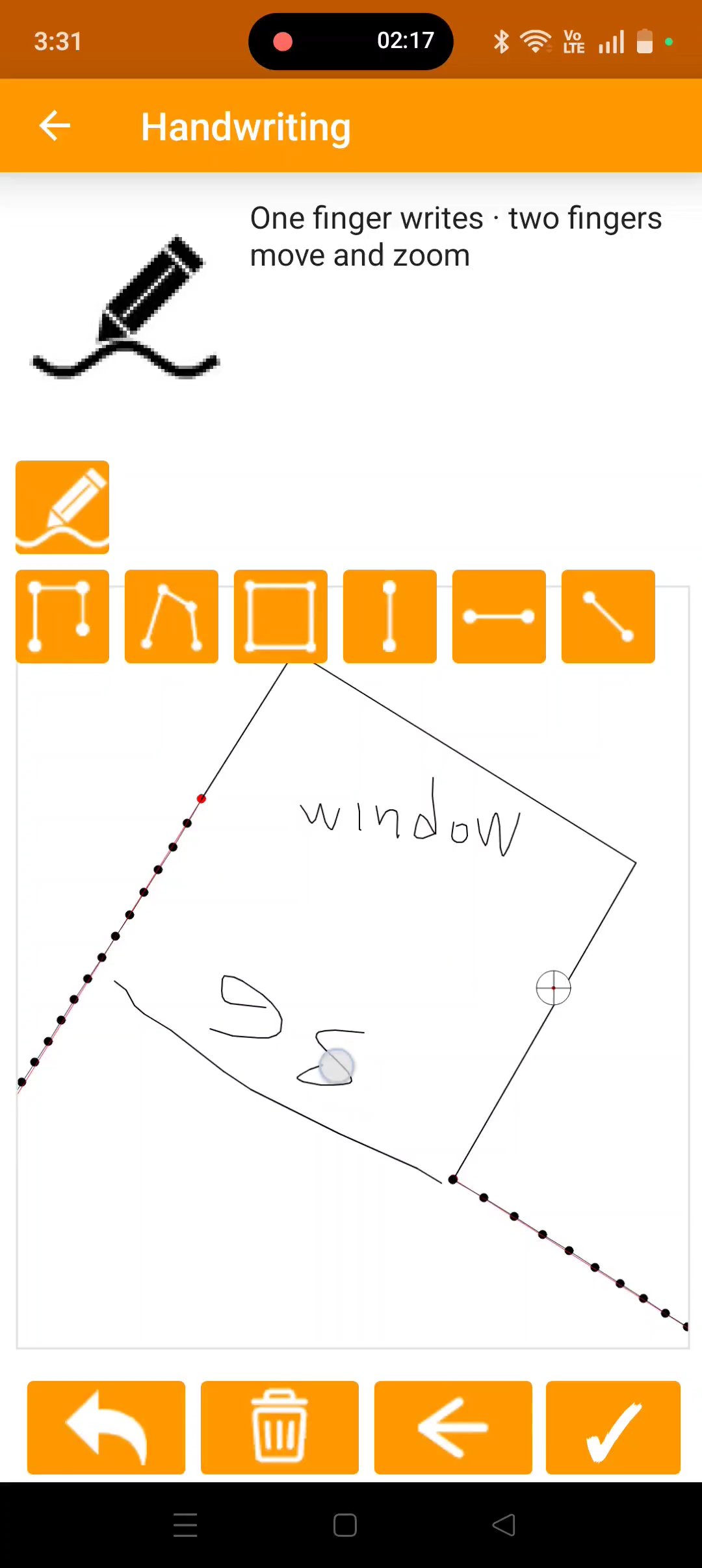
- How do I connect the 2Dscanner to my phone or tablet?
- How do I align two scans with corner A and corner B?
It speaks your language
Ask in English, Greek, German, French, Italian, Spanish, Polish, Dutch, Czech or any other language. The bot detects the language of your question and answers in the same language, so every customer in Europe gets interior scanning support in their own words.
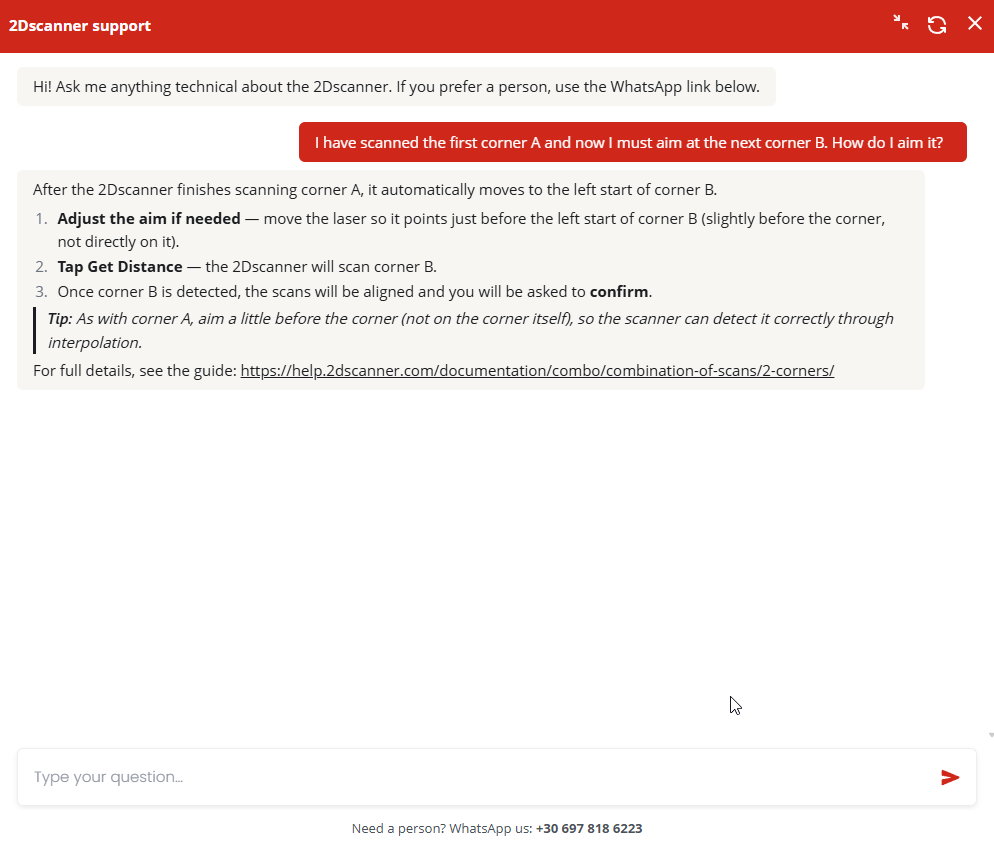
A real example: combining two scans
A customer has finished scanning corner A and asks how to aim at corner B. The bot answers with clear steps and a link to the guide:
Faster floor plans, fewer return visits
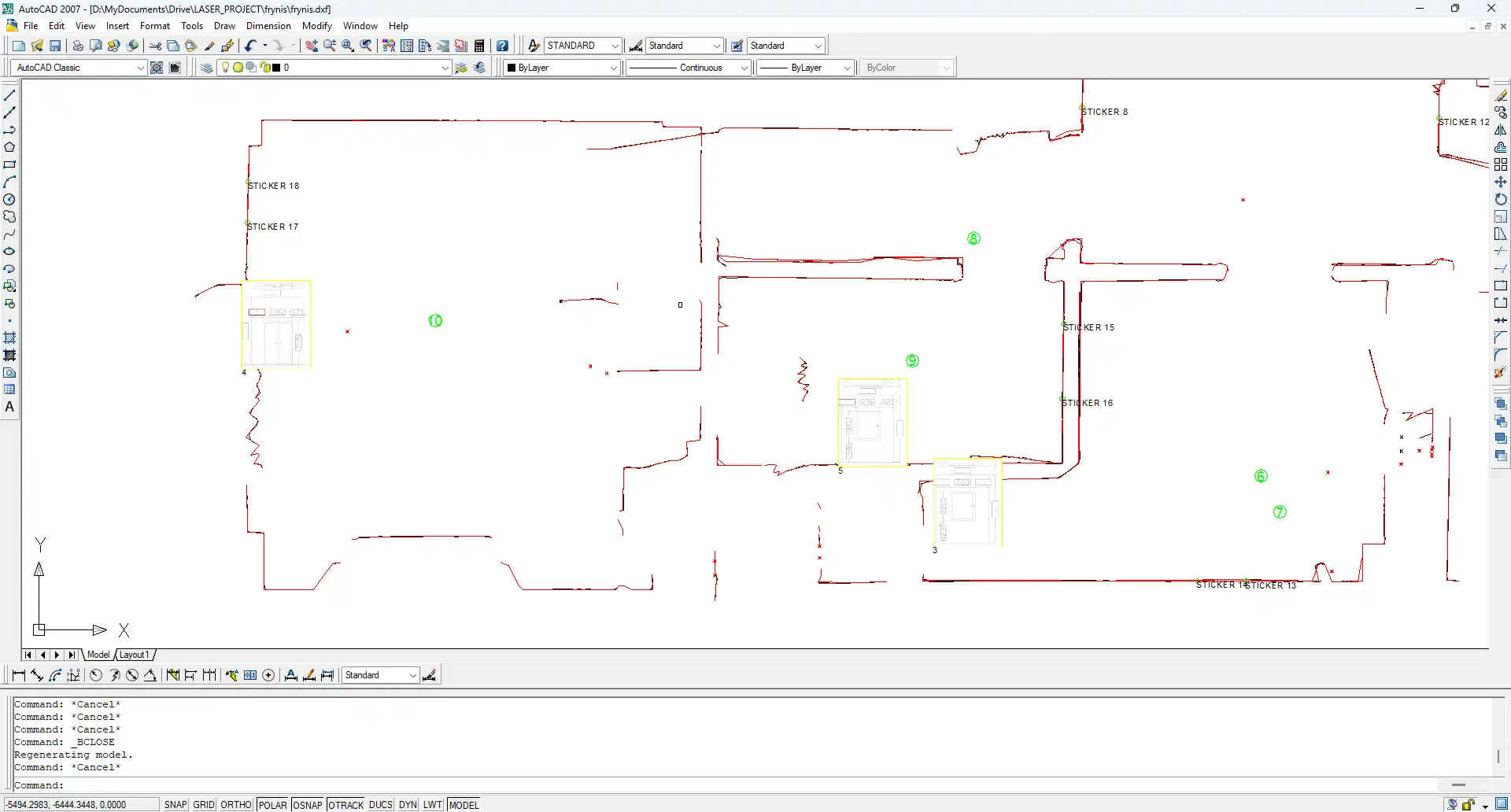
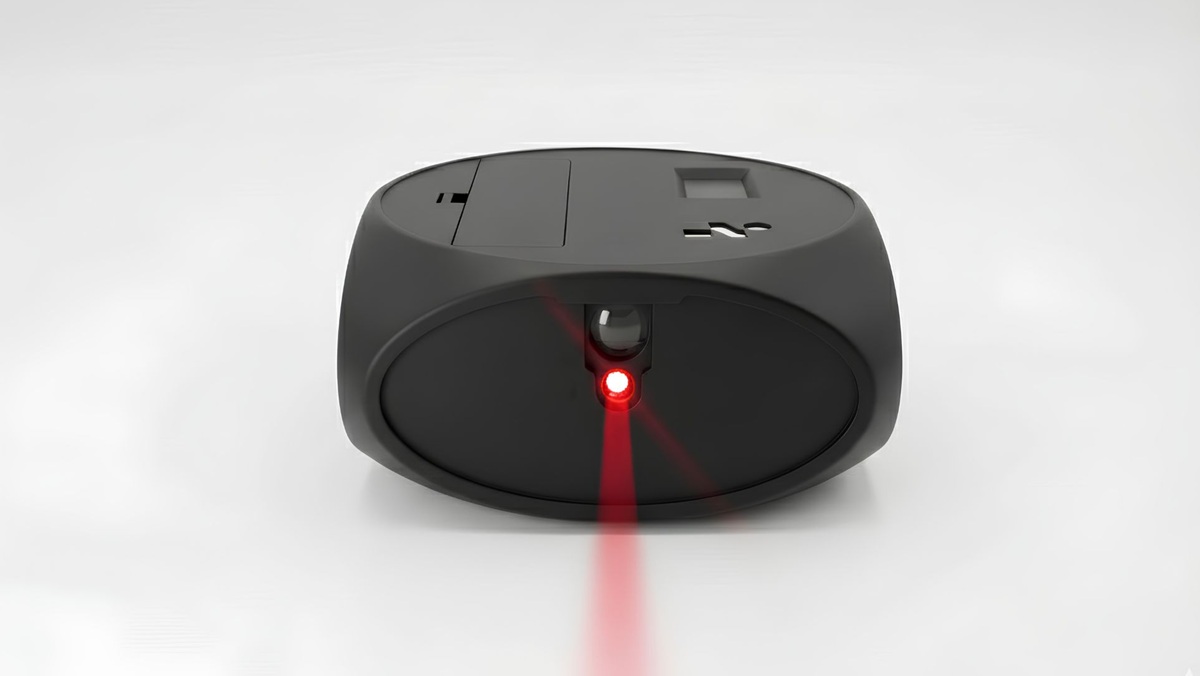
The 2Dscanner measures around 2000 points around the room with ±2 mm accuracy on walls within 7 m, draws the floor plan live on your phone and exports DXF, CSV or TXT for any CAD software. With instant answers from the support bot, you spend less time searching and more time measuring, and you avoid return visits to the site.
Prefer a person? We are still here
The bot does not replace us. If your question needs a person, use the WhatsApp link under the chat window and you will talk directly with the 2Dscanner team.
Try it now
Open the chat bubble at the bottom right of this page, or visit help.2dscanner.com, and ask your hardest question about room laser scanning with the 2Dscanner.